 BlockedInRead story (opens in a new tab)
2023–2025
X/Twitter tools
Two small tools from the twitter.com → x.com years. One still turns a post into a clean image. The other looked up numeric user IDs when the rebrand hid them — sunsetted now, after a peak of 1,000+ uses a week.
Results
25+
daily users on Tweet as Image
Results
1,000+
ID lookups a week at peak
Overview
Both of these existed because the platform moved and the surrounding tools did not. Handles, URLs, and settings UIs shifted mid-flight during the twitter.com → x.com rename; people still needed a clean picture of a post, and they still needed the numeric ID that APIs and webhooks asked for.
Tweet as Image is the one that stayed. Twitter ID Finder is the one that did its job during the transition and then didn’t need to exist.
Tweet as Image
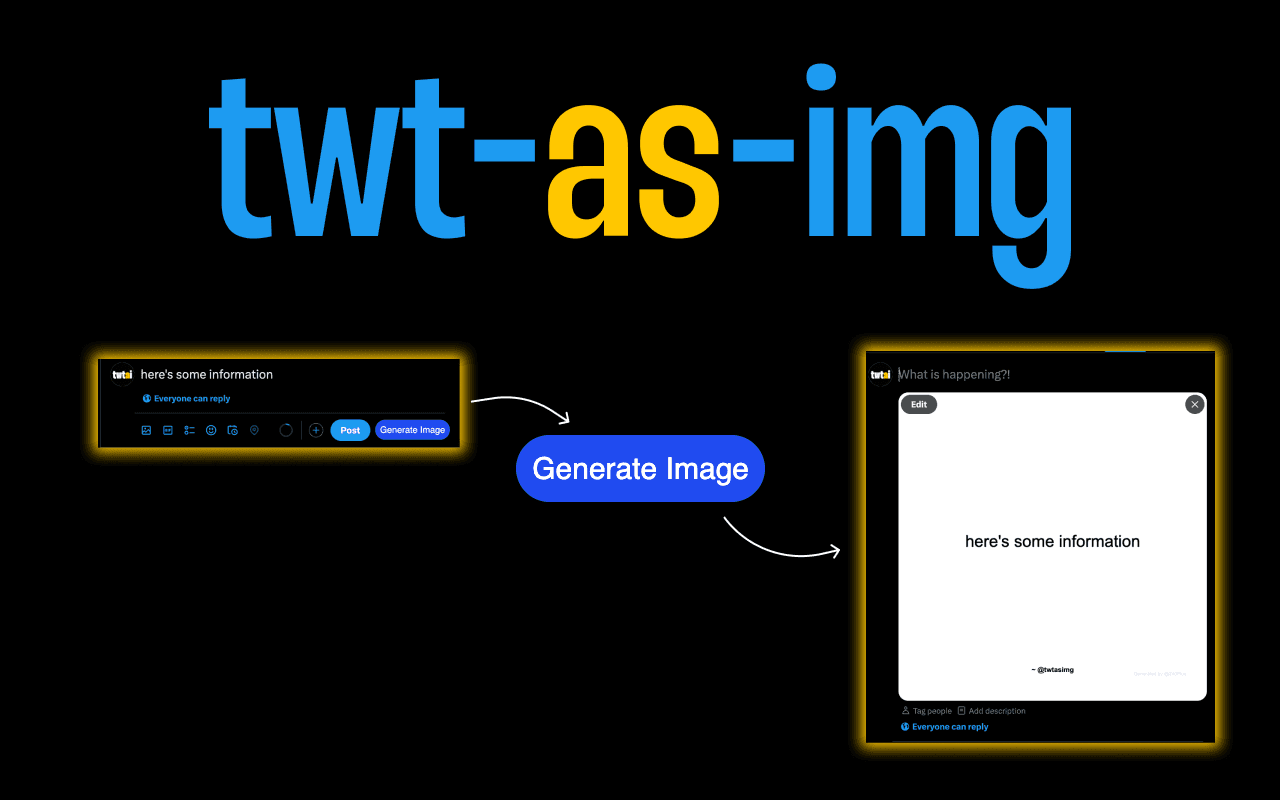
A Chrome extension that converts a tweet into a shareable, styled image. Built for people who quote X in slides, newsletters, and decks — without dragging a messy crop through the design tool of the week.
- Open any tweet: The extension attaches to the tweet page and offers an export control.
- Styled render: Output is a composed image — consistent type, padding, and framing.
- Share anywhere: Drop into Notion, Figma, decks, or chat without re-cropping chrome.
Organic only — no ads, no launch blast. People needed a cleaner way to screenshot tweets for decks and posts; the extension showed up when they searched. Small surface area won. One job, done well, distributed itself through people who already had the pain.
| Who | Job | Outcome |
|---|---|---|
| Writer | Quote a thread in a post | Clean image, readable type |
| Designer | Reference social proof | No UI chrome in the frame |
| PM / founder | Slide a tweet into a deck | Consistent export every time |
Twitter ID Finder
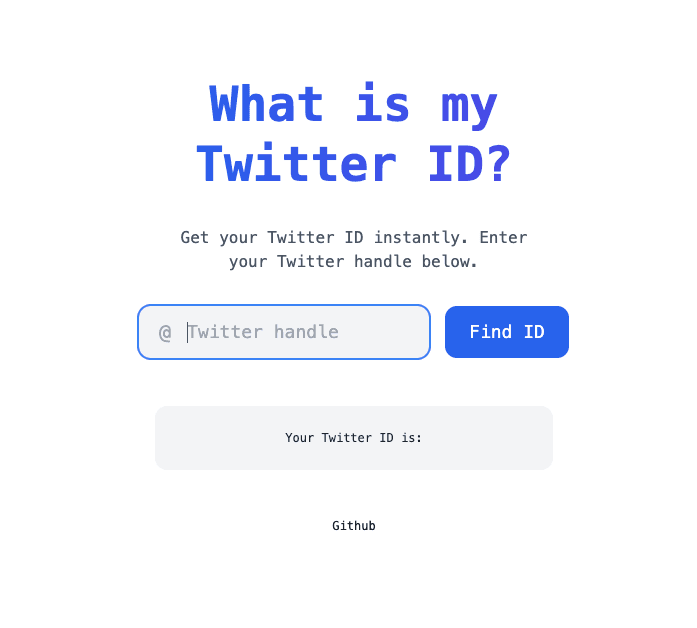
A one-field web app: paste a handle or a profile URL, get the numeric snowflake ID that APIs, bots, and leftover tooling still wanted. No account. No dashboard. The job was done in one screen.
That window was brief and sharp. Docs, webhooks, and settings UIs were mid-rename; a lot of people could not find their own ID, and a lot of integrations still required it. The tool existed for that moment, did 1,000+ lookups a week at the high-water mark, and then the platform settled. Leaving a dead lookup up would have been pretending the moment was still on.
- Enter a handle: Paste @username or a profile URL — the app normalized input.
- Resolve the ID: Returned the numeric user ID used by APIs, bots, and legacy tooling.
- Copy and go: One screen, then you left. There was nothing else to do here.
| Moment | Friction | Fix |
|---|---|---|
| Rebrand | Docs and URLs shifted mid-flight | Stable lookup by handle |
| API work | Many endpoints still need user id | One-step resolution |
| Support | Users can't find ID in settings | Shareable public tool |
Keep reading
- BlockedInRead story (opens in a new tab)
 CameraShyRead story (opens in a new tab)
 AreYouAIRead story (opens in a new tab)