Build · 2024–26
Blockedin
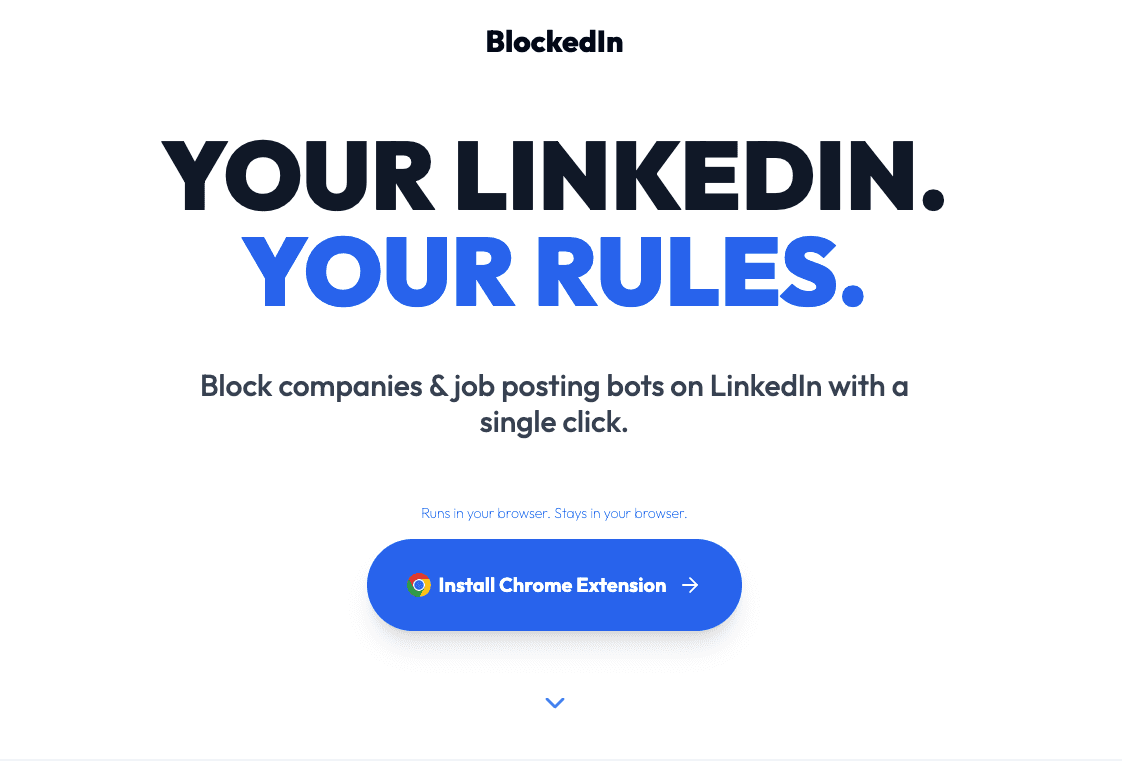
A Chrome extension that removes ghost jobs and recruiter spam from LinkedIn at the DOM level — permanently. One click kills the source. The next real job slides up. 750+ installs, zero spend.
170k+
ghost jobs removed from feeds
750+
lifetime installs, organic only
180
daily active users
262
new users in the last 90 days
The moment it broke
It was 2025. I was job hunting with cron jobs and instant alerts — doing everything right. But the feed was structurally broken. Companies like Jobot and Mercur AI were posting 70–80 jobs at a time, twice a day, timed precisely to flood the recently-posted sort. Four or five pages deep, the same spam. The same companies. Jobs that already existed on LinkedIn, reposted to harvest applicant data.
LinkedIn lets you hide a single job. It has no concept of blocking a source. Three days later, the same Jobot repost is back. The company that ghosted you reappears every scroll. There was no exit.
The company was the unit of noise — not the job. LinkedIn had it backwards.
The build
V1 was simple: block a company, clean the DOM. Not hide — remove. The job card is gone from the tree. The next real listing moves up. The feed becomes a feed again.
All data lives in Chrome sync. No external servers, no sign-up, no email collected. Privacy is architectural, not a policy.
V1 matched LinkedIn’s visual language exactly — native, invisible. V2 went branded blue. The shift happened when I noticed someone using it in a coffee shop and didn’t even register the extension button was there. Made it blue. Visible enough that the person next to you asks: wait, how are you doing that? That was a distribution decision made through design.
The hardest problem wasn’t the design
LinkedIn’s DOM changes constantly. A component that worked Tuesday could break Friday. Version 1.3 broke badly — and stayed broken for weeks while I was working a full-time job and building this 5–9.
LinkedIn injects a script error that blocks DOM mutation messages. I couldn’t debug it clean. What eventually worked: I downloaded the HTML of every affected page, organized them into folders, fed in screenshots of the logs, pasted in every debug output, and gave Claude Opus the full context. In one of the sessions, it found an iframe in the job feed structure I hadn’t seen. That was the fix.
The solution wasn’t clever — it was thorough. Good debugging is a context problem as much as a technical one.
The broader lesson: LinkedIn’s SPA architecture hydrates from the backend fast. There’s a narrow window to inject. Getting that timing right — finding the DOM node in five different ways to hedge against structure changes — took real iteration. It’s the kind of thing that’s invisible when it works.
What users taught me
A user in Brazil asked for keyword filtering — the ability to suppress jobs by title or term, not just company. That shipped in V2. A user in Vietnam flagged the block button as visually too large. We made it smaller. These weren’t feature requests — they were signals about how people actually used the tool in different job markets with different expectations.
A user with 200+ blocked companies revealed a friction I hadn’t felt myself: clicking is slow when you’re in a blocking sprint. Alt+B turned Blockedin into a keyboard-native tool — both hands on the keyboard, no mouse required.
The jobs-filtered counter was an emotional design decision. Job searching is a prolonged experience of loss. Every block adds to a running score — not rejections, but systematic wins over the bots.
On the numbers
The 170k figure needs a footnote. We track jobs blocked per session — when someone opens LinkedIn, searches, and the extension suppresses 500 listings from a blocked company, that’s 500. They close the tab and come back: 500 more. Some users have blocked 400+ companies. The number reflects how much spam actually exists, not just how many times someone clicked.
The 750 installs vs 180 daily actives gap is also real and expected. Some users block three companies, get what they need, and disappear. They come back only when a blocked company resurfaces — which Chrome analytics registers as a re-engagement weeks later. The tool works so well for some users that they don’t need to use it anymore.
What’s next
Moving from reactive to predictive: analyzing link-out patterns to auto-suppress scam sources before they surface in the feed. The current version waits for you to see the noise. The next version removes it before you do.
Still collecting data. Too early to commit to the model. But the direction is clear: from a blocking tool to an ambient filter.
The thing nobody asked about
A thank-you message from a user in Brazil made something real: the friction of job searching isn’t just annoying — it’s demoralizing. Good tooling has a moral dimension. The 170k number isn’t about the extension. It’s roughly 236 hours of human attention that didn’t get wasted on noise during one of the most stressful periods of someone’s life.
That’s the number I think about.